- Step 3 - Subjects
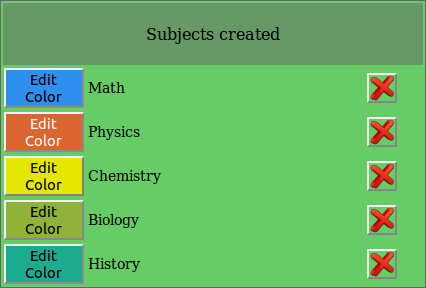
- Step 3 is extremely simple. Just register each subject that will be taught in this timetable and assign a color to it. The system automatically assigns a color to a newly created subject. You can change it by clicking the Edit Color button.
- See an example